
MathJet markMathJet

Fusion, not integration.

MathJet®

MathJet is a fusion of spreadsheet, scripting, and interactive visualization technologies — built from the ground up on a single C++ codebase as a modern, cross-platform alternative to MATLAB® and a more capable analytical companion to Excel.

Download MathJet → See the features →
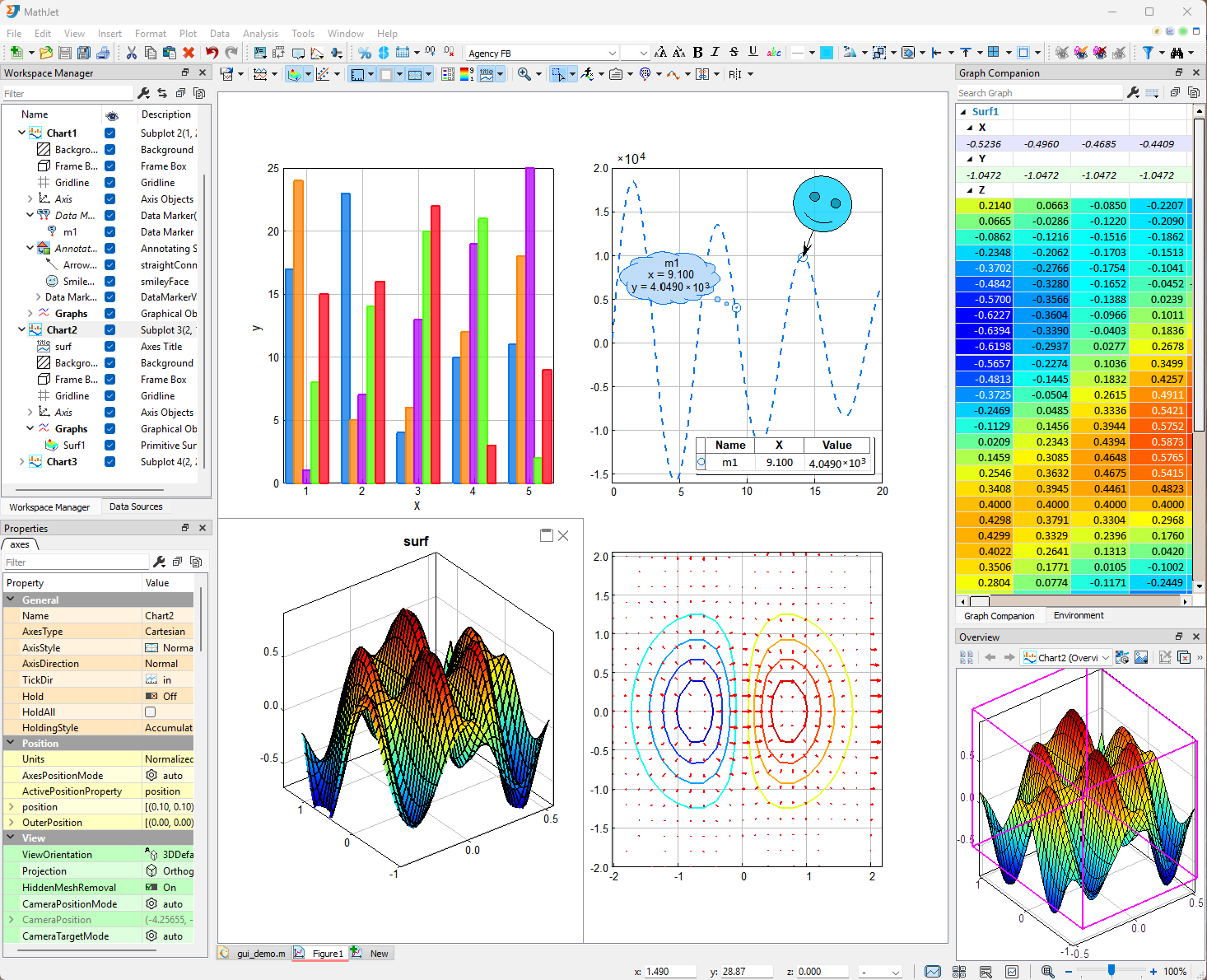
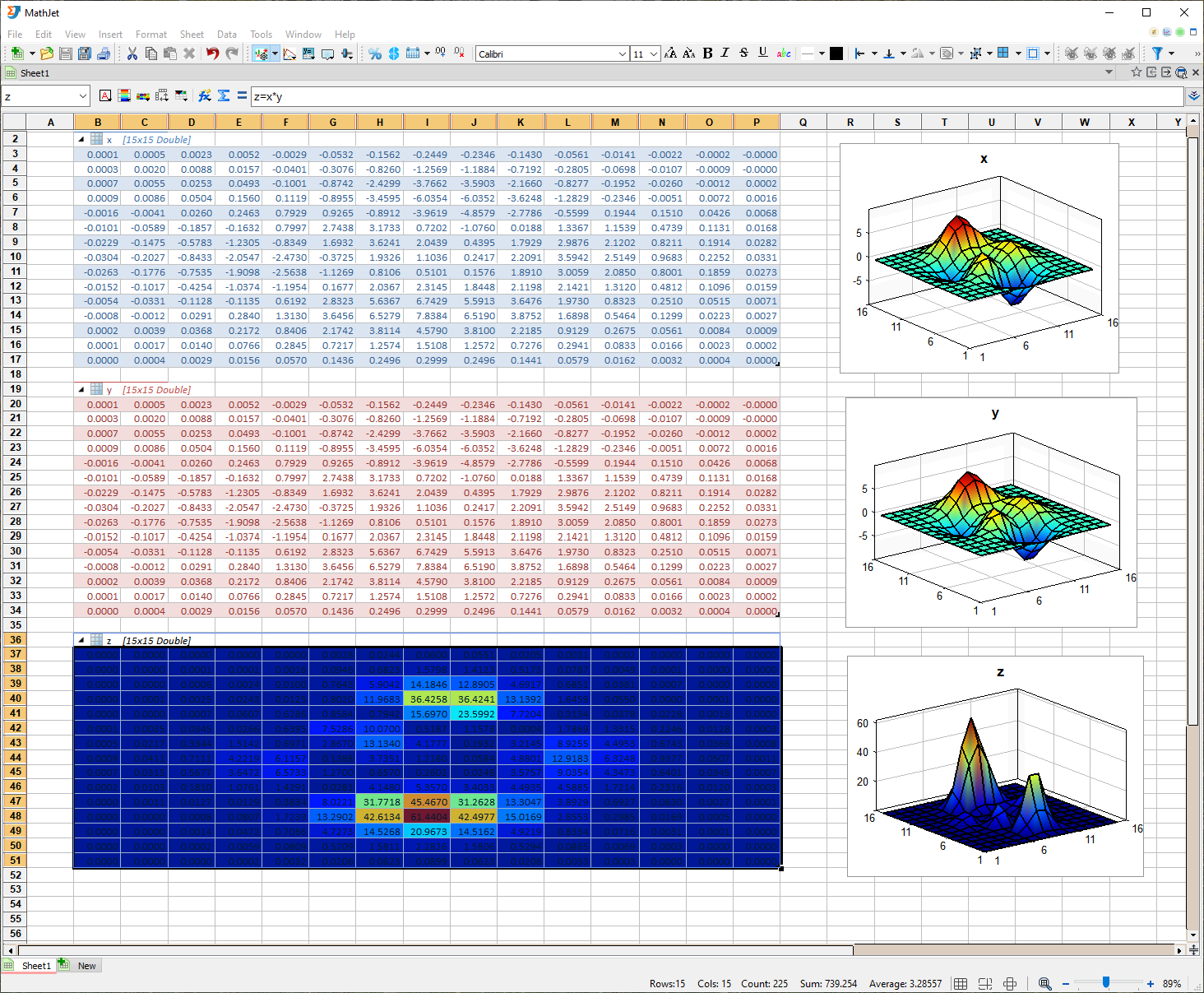
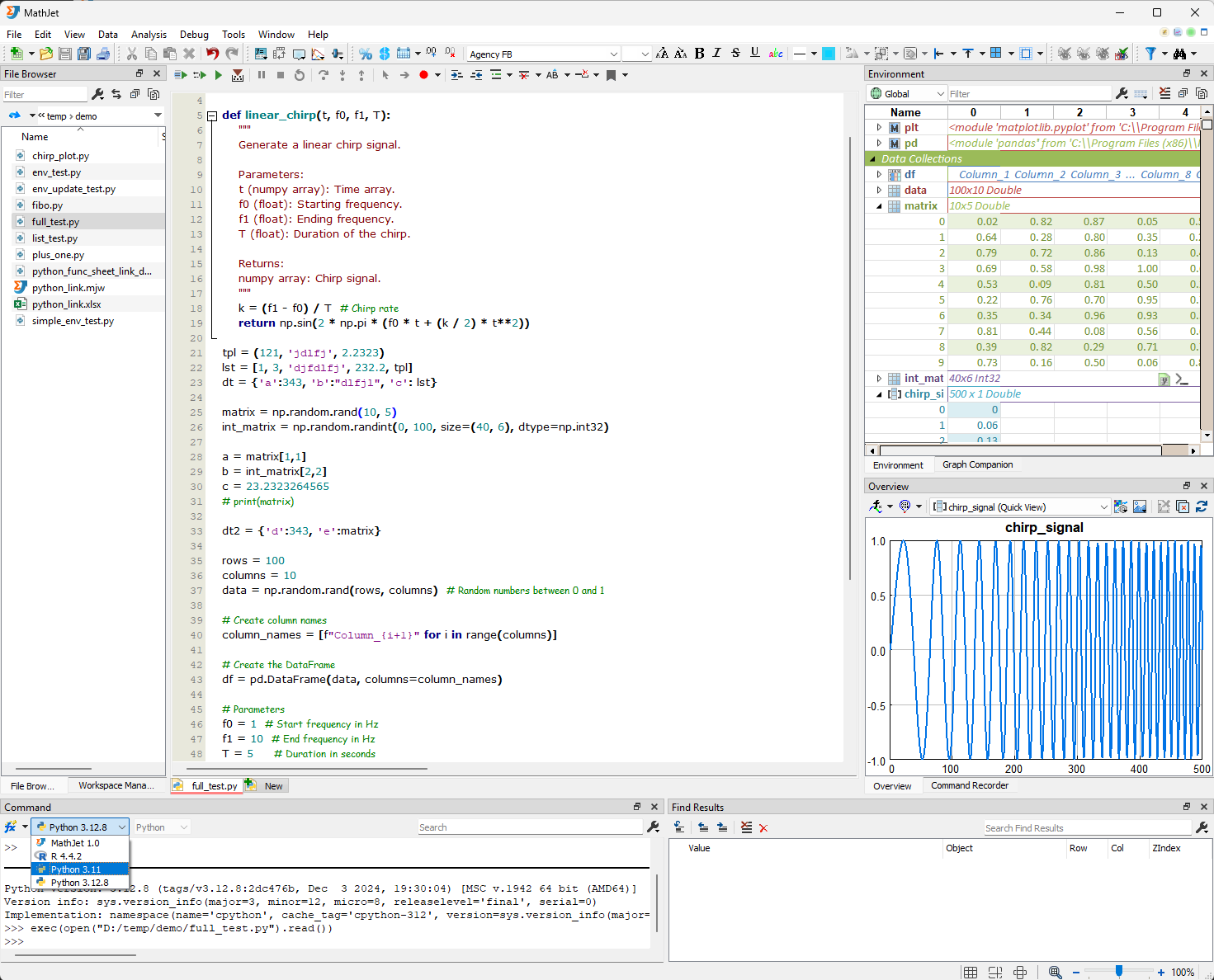
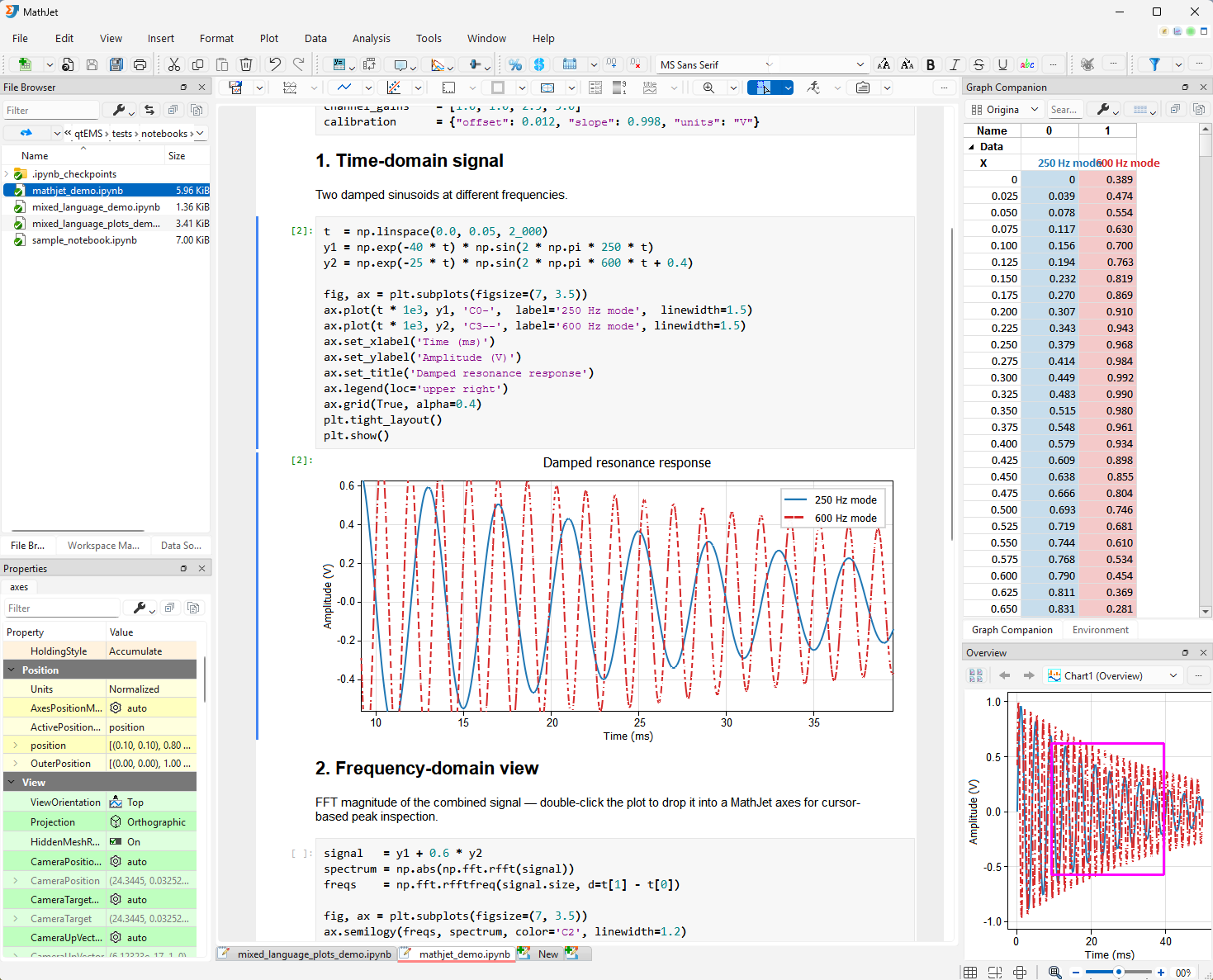
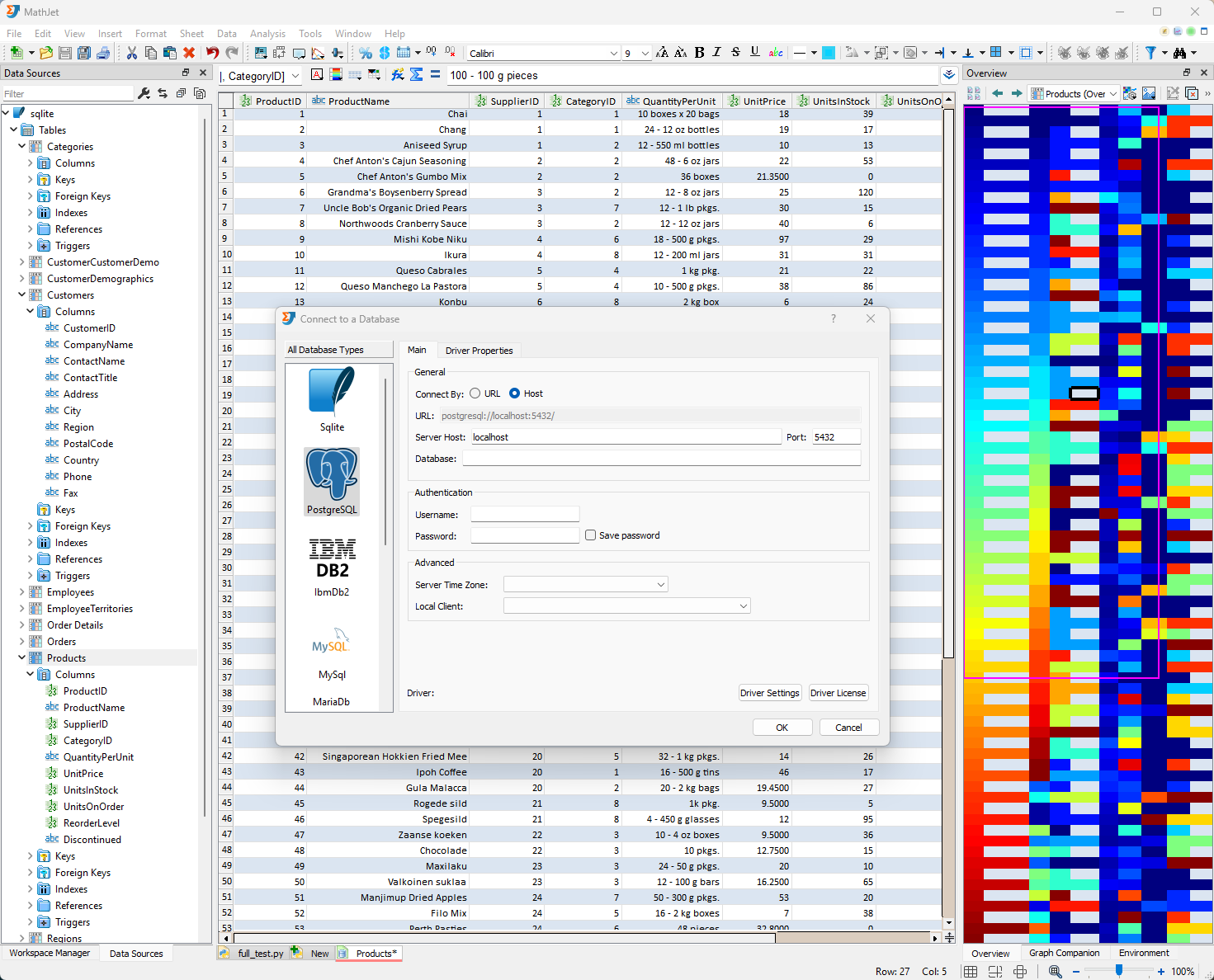
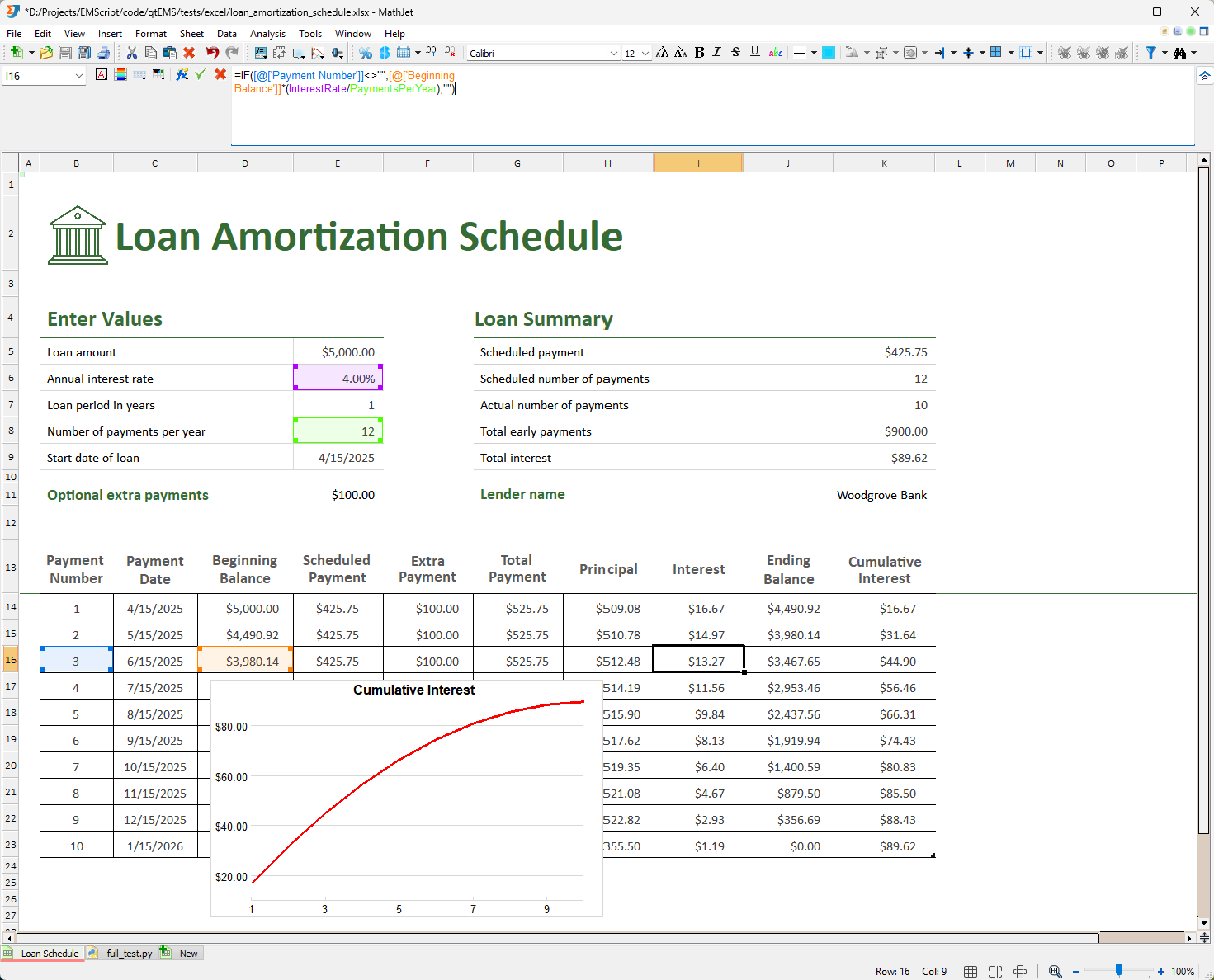
MathJet graphics view: an interactive plot with a synchronized data companion table and property editor.MathJet spreadsheet view: live-linked cells, formulas, and an embedded chart.MathJet coding view: integrated editor with debugger panes, watch windows, and charts built from the running session's data.MathJet notebook view: a Jupyter notebook running in MathJet's kernel with live variable inspection and interactive plots.MathJet database view: a tabular connection explorer alongside charts built from query results.MathJet xlsx view: a loaded Excel workbook with formulas and charts preserved natively.

What we mean by fusion

Where most data analysis tools force a choice between paradigms — spreadsheet or code, GUI or script, one language or another — MathJet dissolves those boundaries. The same data shows up as cells, as variables, and as plot elements; edit any view and the others update. Python, R, .m files, and Excel formulas share one runtime and one memory space. Open existing Jupyter notebooks and they run in MathJet's own kernel with live variable inspection and interactive plots.

Who it's for

If you've felt notebook state hell — the cell you ran three hours ago that made the rest of the analysis possible and now you can't remember how — MathJet is for you. If you've watched a kernel restart eat thirty minutes of loaded data, or caught an AI-generated matplotlib snippet failing silently on your actual dataset, MathJet is for you.

Built for scientists, engineers, quantitative researchers, and data analysts doing rigorous multi-step work. Academic use is free.

What's in the box

A full spreadsheet, not a data viewer.

A full Excel-compatible program implementing nearly all Excel features — formulas, pivot tables, charts, conditional formatting — and loading .xlsx files natively. First-class citizen of the environment, not a data viewer or an add-on. Cells are also first-class objects in the scripting runtime; reading a range from Python is a memory access, not an I/O call.

Polyglot formula bar.

Because the spreadsheet's formula engine and the scripting interpreters are the same code, you can write Python, R, or MATLAB function calls directly in cell formulas, alongside standard Excel functions. Formulas can also reference variables that scripts created earlier in the same session. Not a "UDF bridge," not an Excel add-in — the same interpreter.

Python, R, and MathJet's own interpreter — one process.

All three share the same objects in memory, and MathJet's own interpreter is MATLAB-syntax compatible. A NumPy array built in Python can be read directly by R or by a MATLAB function call, with no conversion step in between. No kernel restarts, no half-remembered state from an earlier cell.

An interactive visualization engine.

Native C++ rendering, not a web-canvas wrapper. Includes graphical value editing, axis folding, and interactive data grouping — patented capabilities that aren't available in any other tool. Click a plot; the underlying data highlights and the code that produced it jumps into view.

Jupyter notebooks, upgraded.

Open your existing .ipynb files directly. Run them on a standard Jupyter or Spyder kernel exactly as today, or switch to MathJet's kernel and the same notebook gains live variable inspection without print(), editable spreadsheet views of any DataFrame, and matplotlib plots that become native interactive graphics — all without changing a line of code.

Live propagation across the whole environment.

Change a cell → plots update. Change a variable in Python → the R session sees it. Resize a range → the formula graph propagates. Everything is watched, everything is connected.

Coming in v2

A pipeline view that makes multi-step analyses reproducible by construction, and a native MCP interface so an AI assistant can drive MathJet directly — inspect your spreadsheet, query your plots, modify variables in place — instead of generating disconnected matplotlib code that may or may not run on your data.

About MathJet

MathJet is the result of over ten years of development and is protected by five pending patents and a registered trademark. It's built by Jet Computing, LLC, an independent software company based in Newton, Massachusetts.

Download

Current version
1.6.3
Supported platforms
Windows, Linux, macOS
Pricing
Free to download. Pro edition coming soon. Academic use is always free.